To start the EBS shape application, do one of the following:
-
Select the Shape icon on your desktop

-
Select the Timetables Registers button on the Start ribbon in Central.
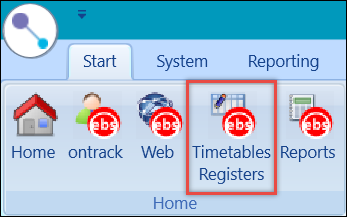
You can then log into EBS shape.